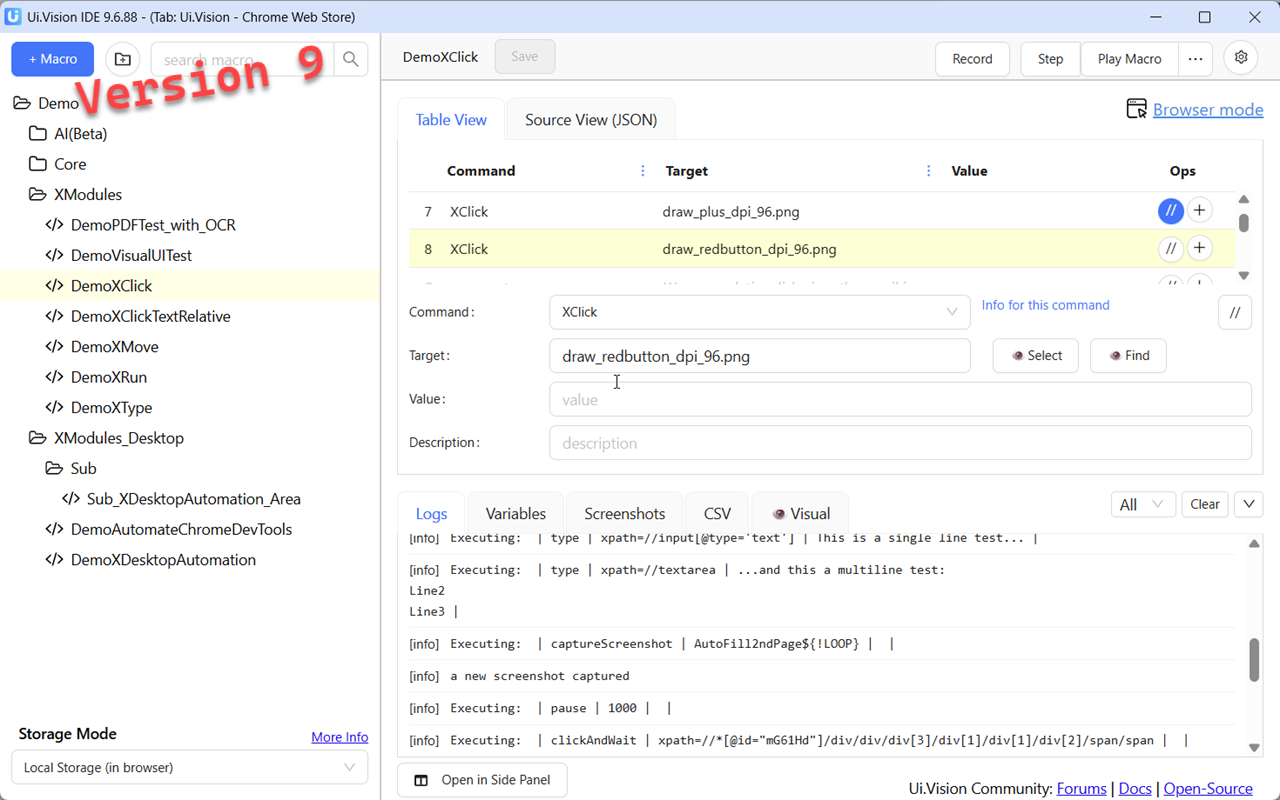
Not ready to upgrade to Ui.Vision Version 10 yet? Then use the solid and battle-tested Version 9. It works with XModules 1.
-
Get Ui.Vision for Chrome, Version 9 - this version does not auto-upgrade.
-
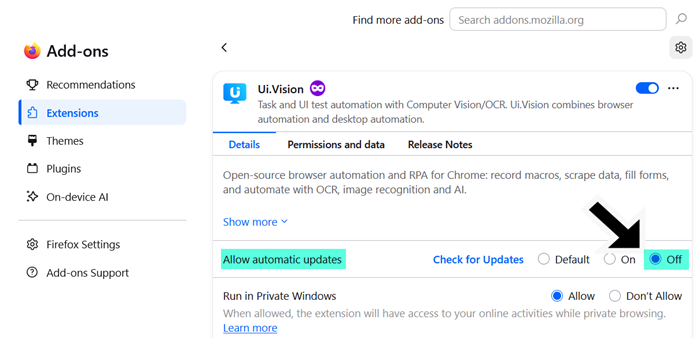
Get Ui.Vision for Firefox, Version 9 - from the archive, see how to disable auto-upgrade
On Chrome, you can have V10 and this V9 installed in parallel.* This way you can port macros step by step if needed. But almost all V9 table macros run in V10 without changes. So if you see problems please report them here in the forum. We can only fix bugs that are reported.
Known compatibility exceptions:
- XClickRelative → Macros that use green/pink image patterns stop with an error. The new Desktop Automation (XModule V2) does not support them, because the new Javascript macros have better options for relative clicks.