Uivision creates a folder on my desktop with a keys.json and settings.json file…anyway to change where it saves?
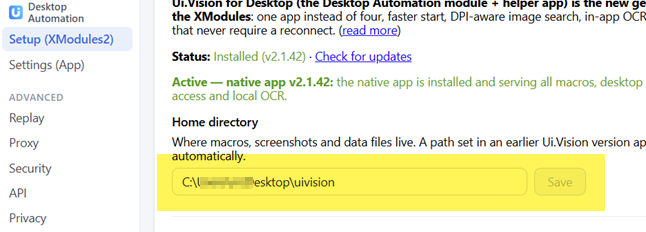
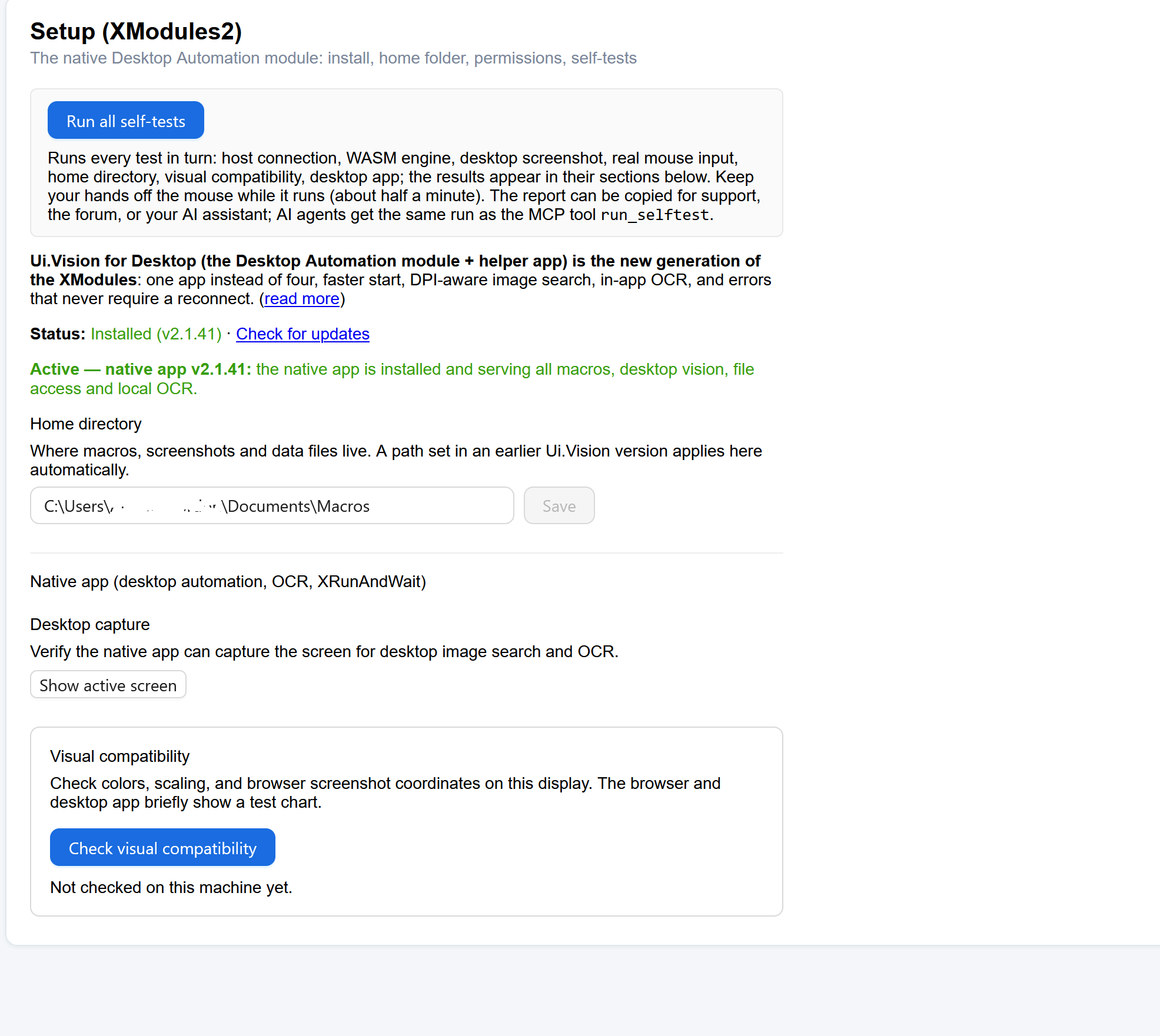
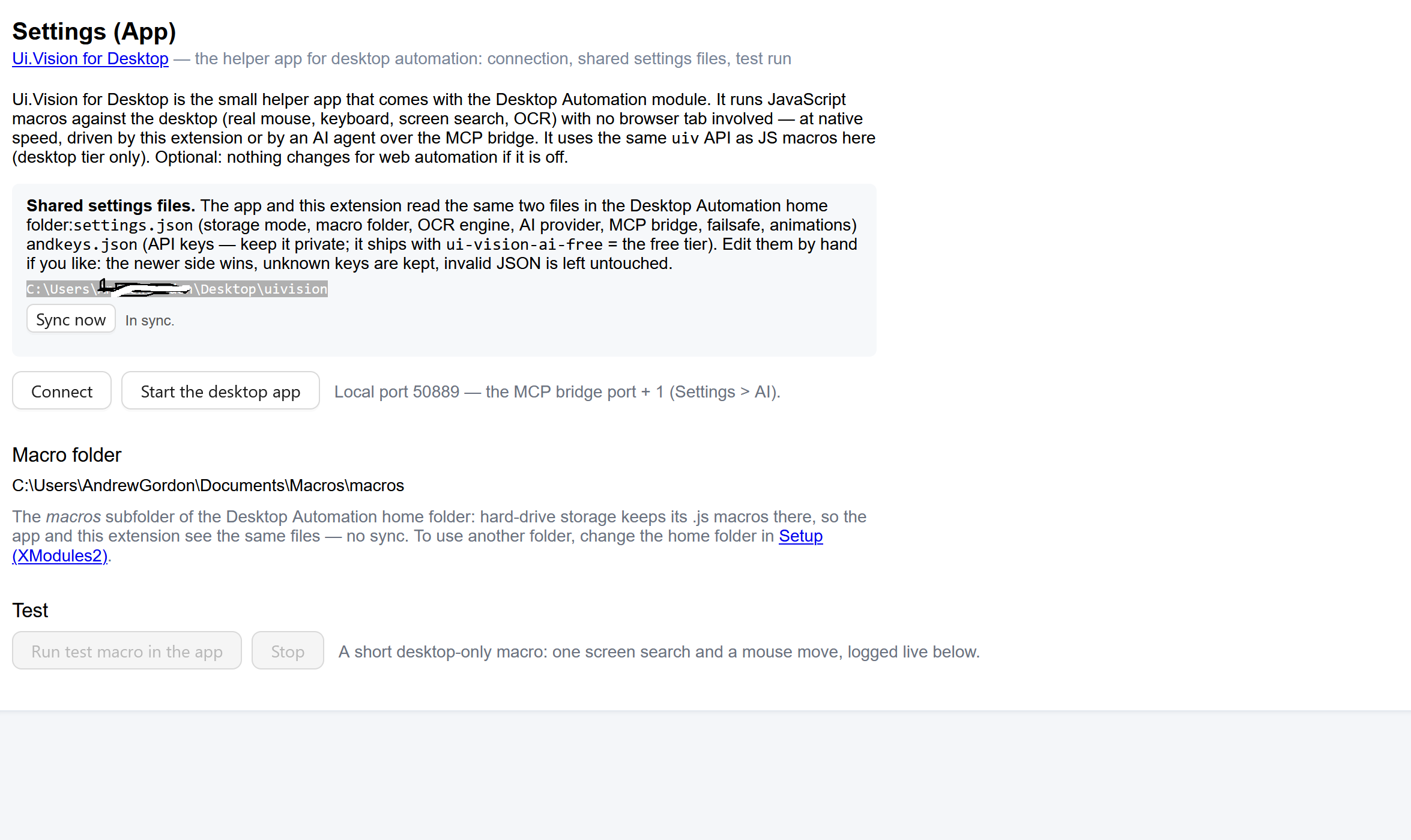
@agordon10 You are right, thanks for the screenshots - this is a bug, and your Setup (XModules2) screenshot shows exactly where it comes from.
The extension and the native host each keep their own copy of the home folder. The extension stores the path you entered in Setup (XModules2). The native host and the desktop app read it from a small pointer file, and when that pointer is missing they fall back to Desktop\uivision. Until now the pointer was only written when you pressed Save in Setup (XModules2) with a current host installed. Your Documents\Macros path was set earlier (the Save button is greyed out because nothing changed), so the host never learned about it and created settings.json and keys.json in the default folder. The same mismatch makes the desktop app look for its macros in Desktop\uivision\macros instead of Documents\Macros\macros.
Fixed in the next extension release: the extension then passes the home folder to the host on every start, so this heals itself without any action on your side.
Workaround until then:
- In Settings > Desktop Automation > Setup (XModules2), change the home directory by one character and click Save.
- Change it back to C:\Users...\Documents\Macros and click Save again. The second Save writes the pointer.
- Restart the desktop app if it is running.
Settings > Desktop Automation > Settings (App) should then show your Documents\Macros folder under “Shared settings files”. The two files already on the Desktop are not moved, so if you entered an API key, copy keys.json over (or just enter the key again); after that you can delete the Desktop\uivision folder.