Early beta, soft launch. Only announced here 
Install link: This beta installs as separate Ui.Vision extension.
 Your existing UI.Vision installation is untouched, so you can test it risk free.
What’s new:
 The AI assistant that writes and fixes scripts. Describe what you want, or hit Fix with AI on a failing macro — it inspects the page, writes the script, runs it, reads the log and iterates. JS is what makes this work well: the AI is far better at writing a program than at filling in a command table, and when it fails, the error tells it exactly what went wrong. Soon: UI.Vision speaks MCP, so Claude Code (or any MCP client) can drive your side panel directly, with your project context behind it (details follow).
 Real browser clicks from script that (unlike ) require no focus.
 uiv.browser.click, .move, .type — genuine mouse and keyboard input inside the browser, no XModule needed, and they hit whatever you can find: a locator, an image, OCR text, or coordinates. Because targets are now composable in JS, “click 40px right of that label” or “find inside this area only” is one expression instead of a special command variant. Chrome and Edge, also with the window in the background; Firefox runs everything else.
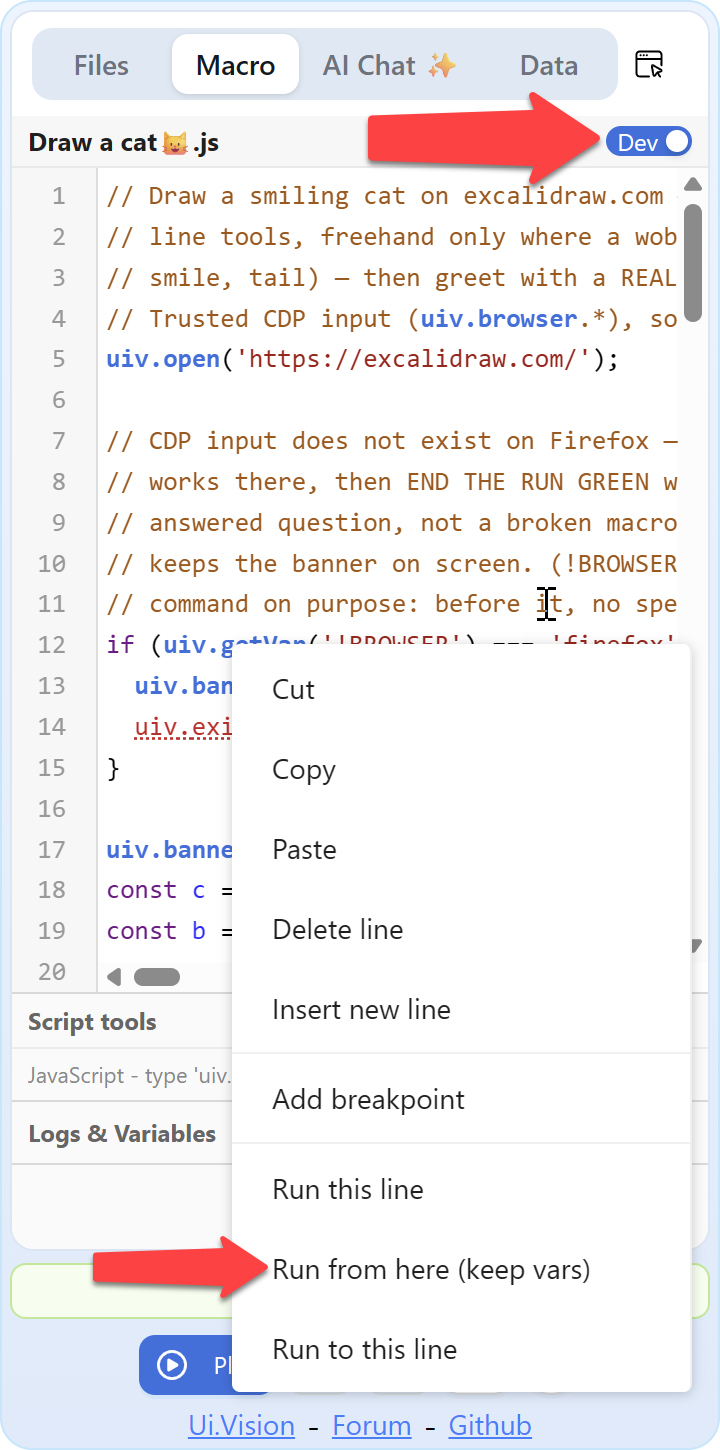
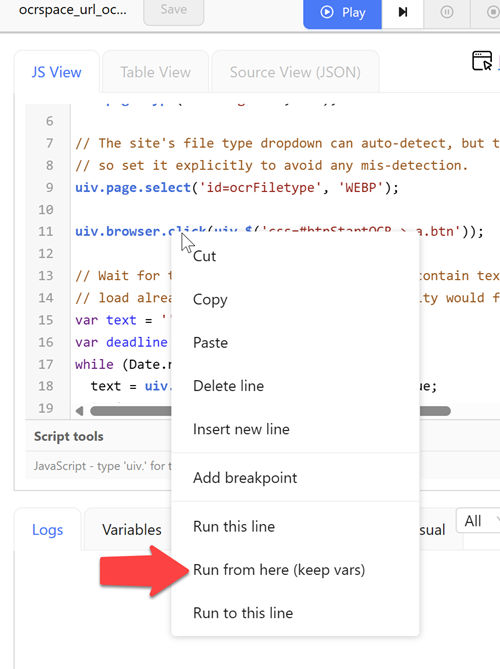
 Macros can now be JavaScript. A new macro kind, next to the classic table: plain modern JS with a
 uiv.* API — uiv.click, uiv.type, uiv.findImage, uiv.ocr.findText, uiv.csv.*. Real if/for/try/catch instead of while_v2 and !statusOK juggling, real exceptions with real messages, breakpoints and step-through. Anything without a JS equivalent still runs via uiv.run('command','target','value'), so nothing is out of reach. All demo macros ship in both flavors so you can read them side by side. Scripts also run 50–300× faster in tight loops than the old interpreter.
Feedback, bug reports and opinions on are very welcome.