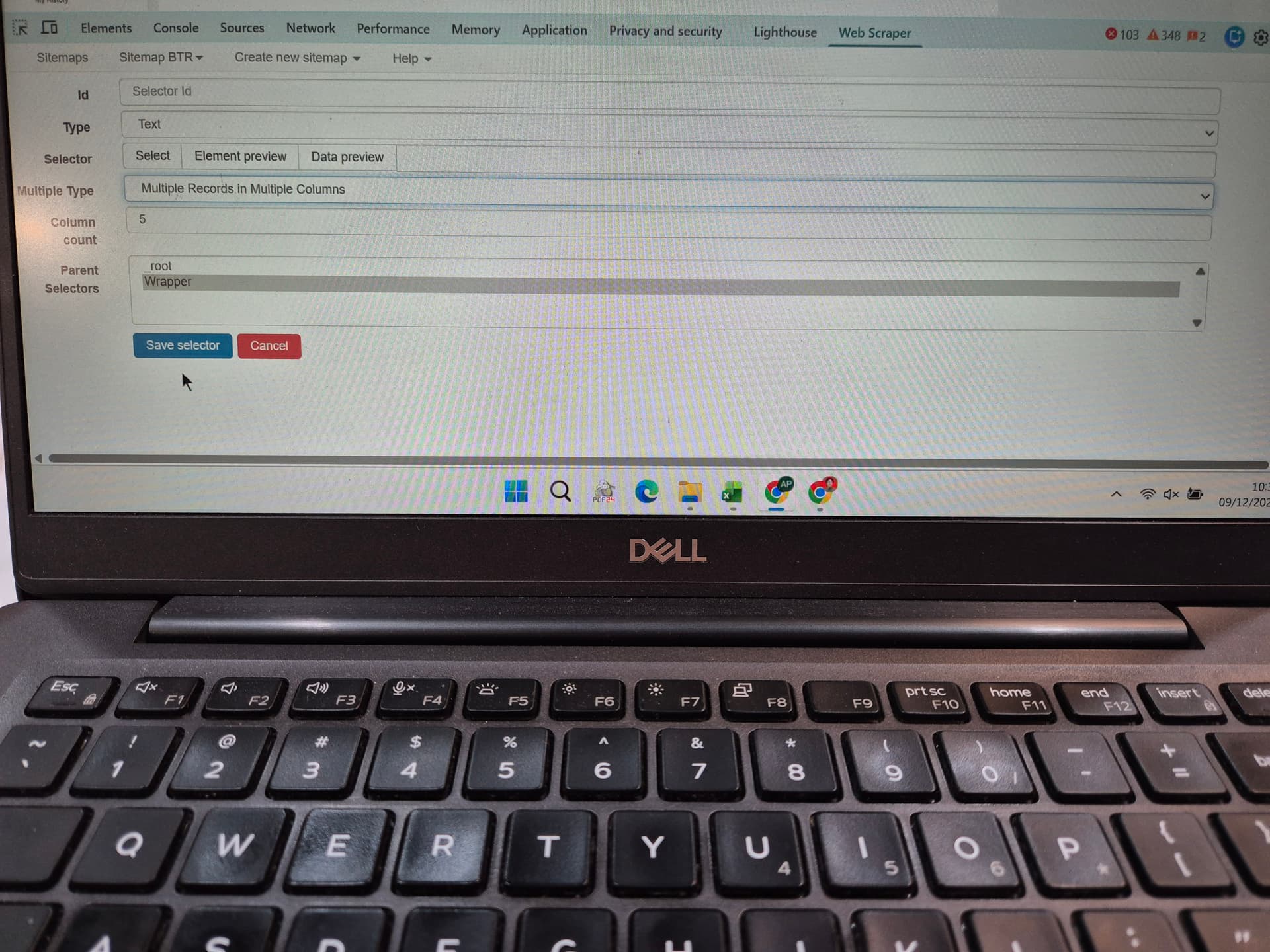
Hello my name is Raisa. Currently i’m trying to extract certain rows on a table in website. If i click the table a few times it selected all the rows. Is it possible to do like ctrl + click? When you ctrl + clik you can select only the ones you click. Is there any method to select only certain row? I mean i could add child selector, but it takes time, and i also can use the contain formula but i dont want to type all the keywords since there is so many. So what should i do step by step? I notice in the text selector there is a “multiple type” and “column count”, and “parent selector” option. Does this 3 option can enable you to select just a certain rows?
can you share url?
record video of the manual process?
Hello, thank you for the response. Here are the items you ask:
URL: Top Stock Gains: US stocks posting the highest gains today - Yahoo Finance
The manual process:
https://drive.google.com/file/d/1OIe5H_ymEVuD765lJUurXAFSJSWGcXI6/view?usp=sharing
The problem is, when i tried to scrape certain row only with a random order, it doesn’t select only the ones i prefer, instead, it selected all. I want to be able to do like ctrl + click, where you only select the ones you click.
there is no option to select the rows
maybe you mean extracting data from the table?
Ohh I see 
I thought I can select the rows only, hehe. Yes, I know how to extract table, but I want to know about extracting the rows. Glad that you responded, I was just a beginner. Anyway can you teach me about UI Vision RPA?