Hello, newbie here, problem in n8n, cannot use OCREngine 2, always return OCREngine 1 on output. I’was trying 2 different template and same result. If you have a solution, thank a lot. Robert
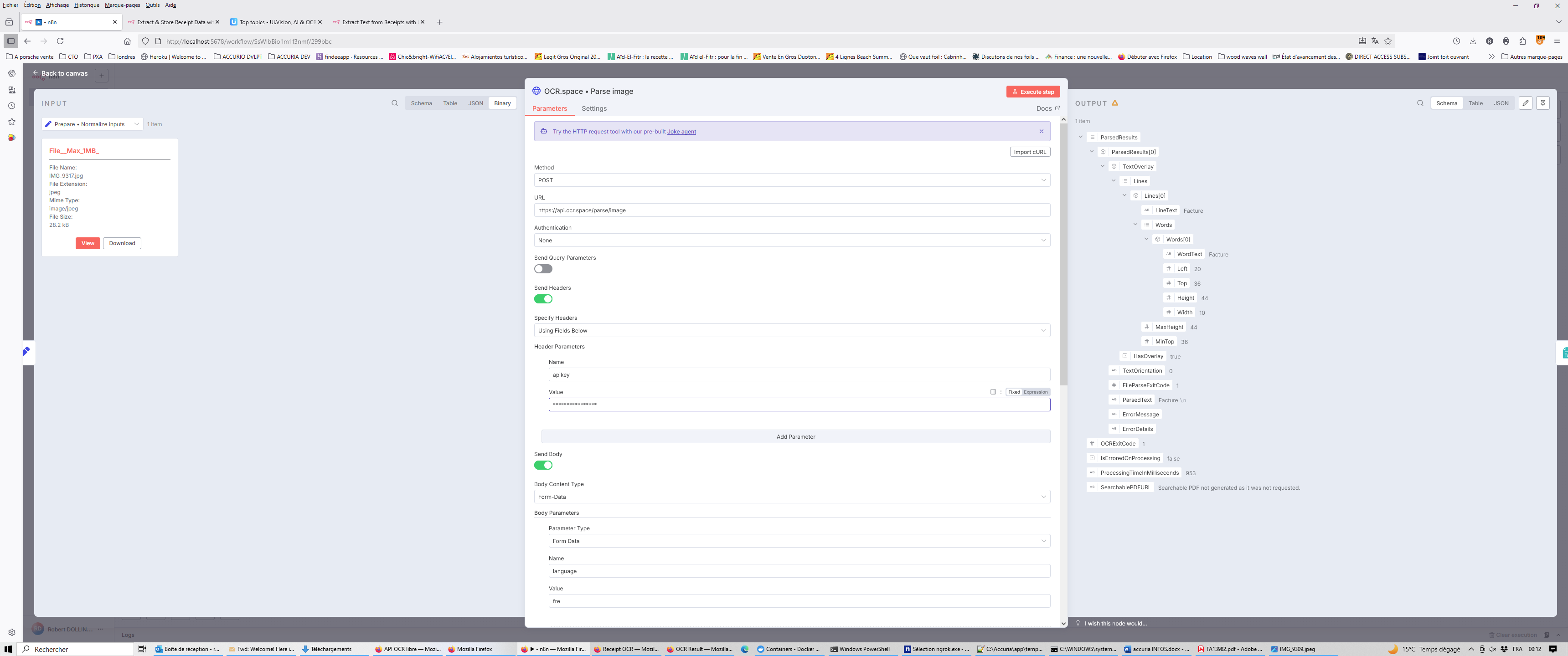
In the Forms Parameter section, where you currently have language fre, can you also add ocrengine 2. Does this solve the issue?
Hi @ocr-api-team ,
I have almost same issue
When i try with OCR Online it works fine, but not with OCR API
I tried severals differentes configuration but always a same results with API call.
Could you help me ?
Thanks a lot.
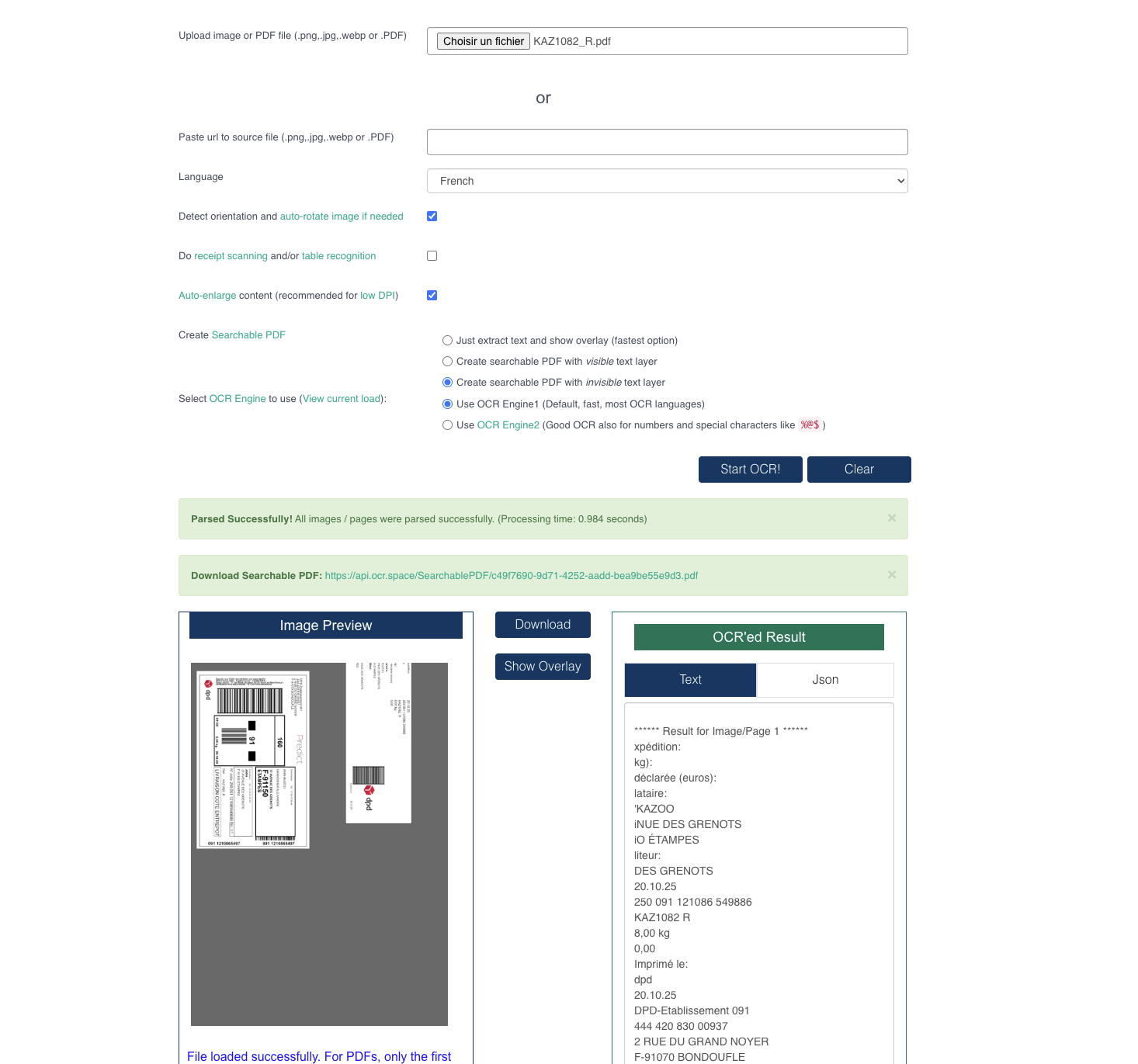
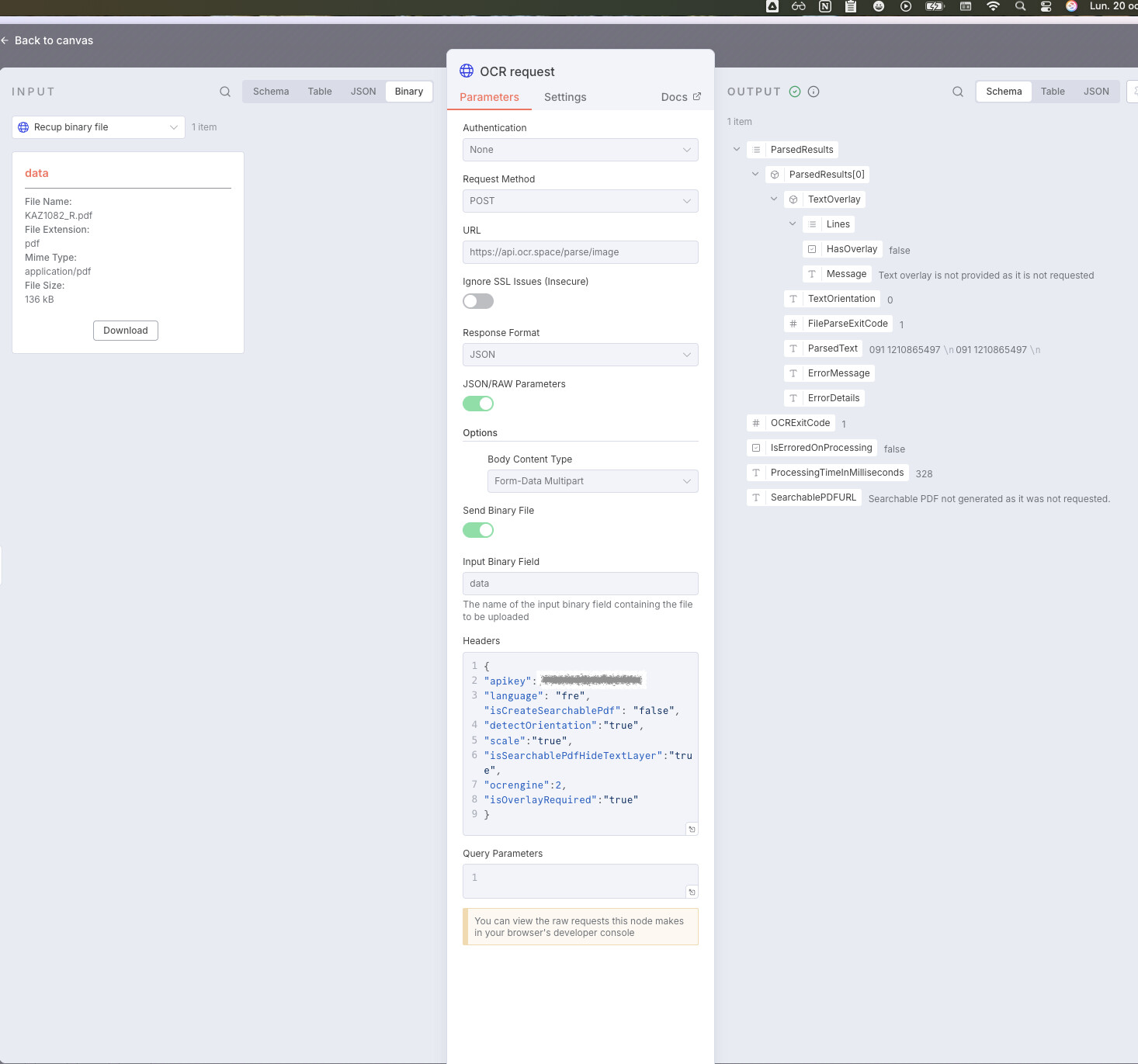
@Emilie_Masclet - What exactly goes wrong? In your n8n screenshot, it seems that the OCR API does return the data correctly, or?
Or is the issue that the OCR result is different? Actually, I see no “file” or “url” parameter in the n8n screenshot. → How do you send the image?
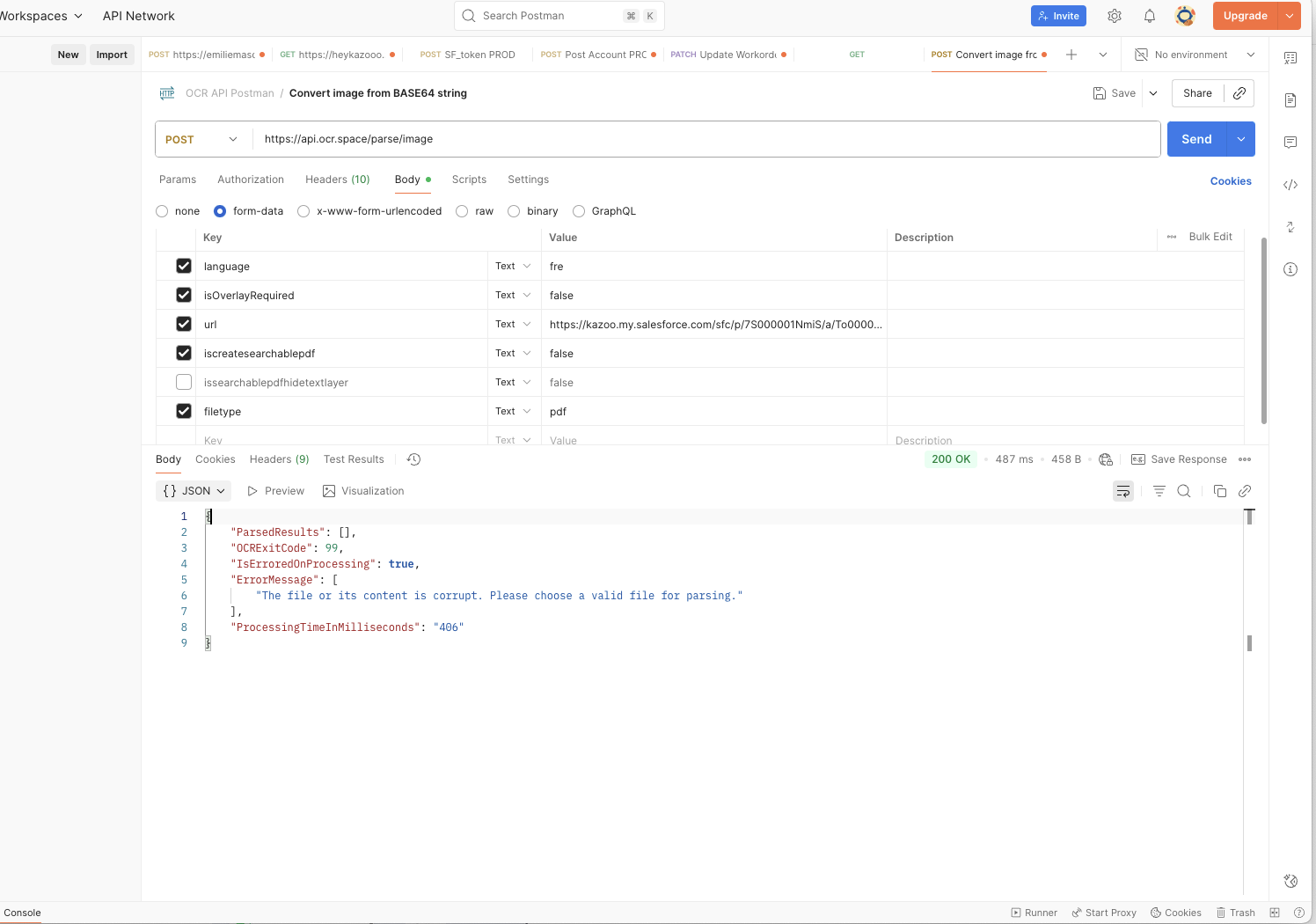
If you test the connection with Postman, do you get the same result?
You probably know it, but just in case: Postman is a free app, see Free OCR API
If you see the problem even with Postman, a screenshot of the result could be helpful.
Thks a lot for your short reply
Yes my issue is different response between both.
I sent a same file call KAZ1082_R.pdf
But with OCR API parsetext is : 091 1210865497 \n091 1210865497 \n and with Online OCR i have complet document as you see on the screen shot.
Regarding the second question : “I see no “file” or “url” parameter in the n8n screenshot”
In the previus node à donwload file ( binary file ) and i send it with this node with option "ent binary file).
Could it be that your download goes wrong? I mean maybe its the wrong file or the file quality is different (stronger compression)?
I tested with the url parameter and the OCR result is the same as with the online ocr form or Postman.
My test:
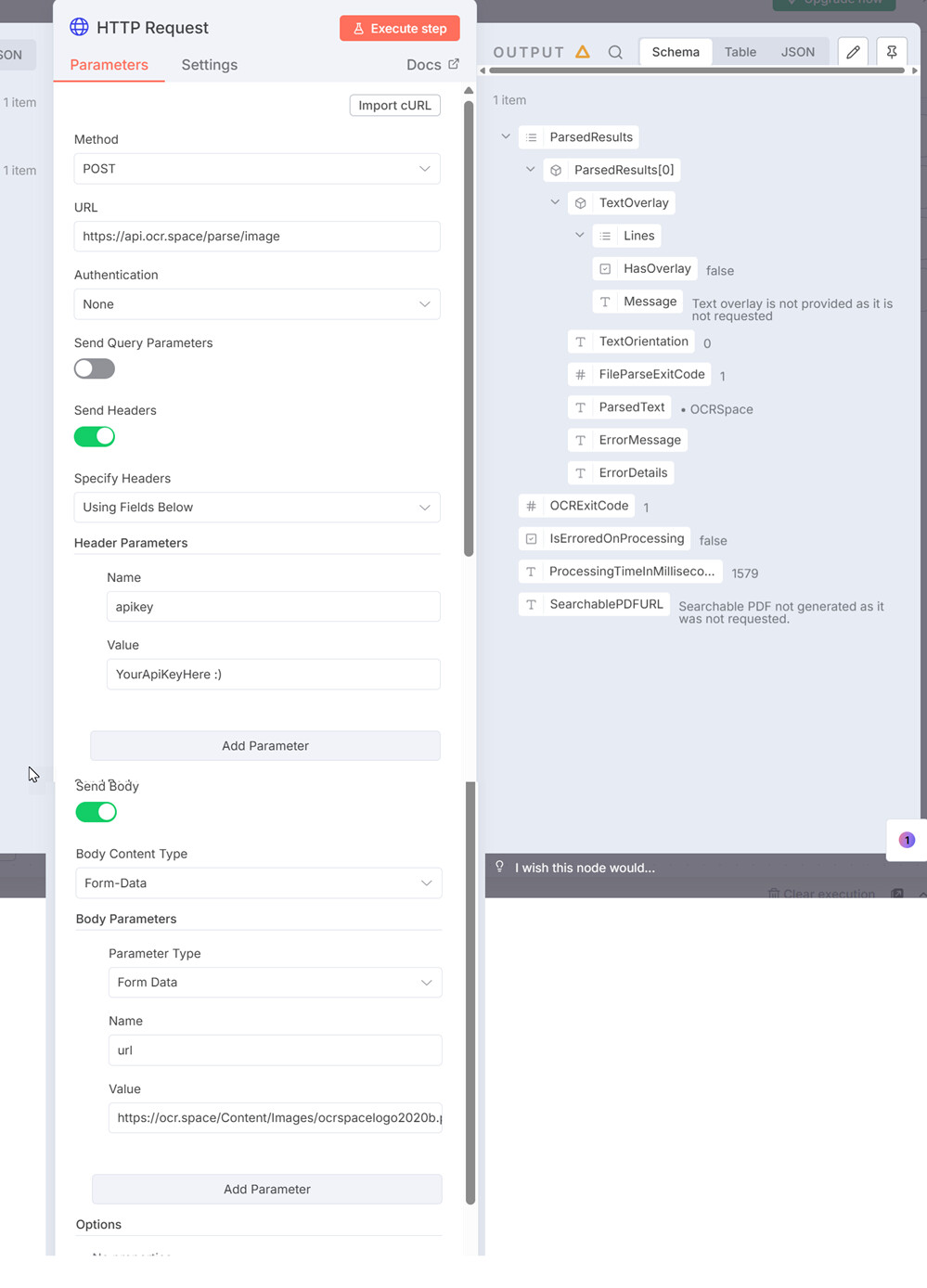
I think the issue is my on my file, strong compression or somethink like this.
I cannot post the url’s file because it’s Salesforce URL and with postman ( i tested it) it doesn’t work
I need to download before and send binary file directly to OCR API, it works fine for other file ( print by another way)
I found a solution, the issue was due to the file download to Salesforce, i added a new N8N node for convert in Base64 and it works fine. Thanks a lot for your support.
1 Like
Great! Thanks a lot for the feedback with the solution 