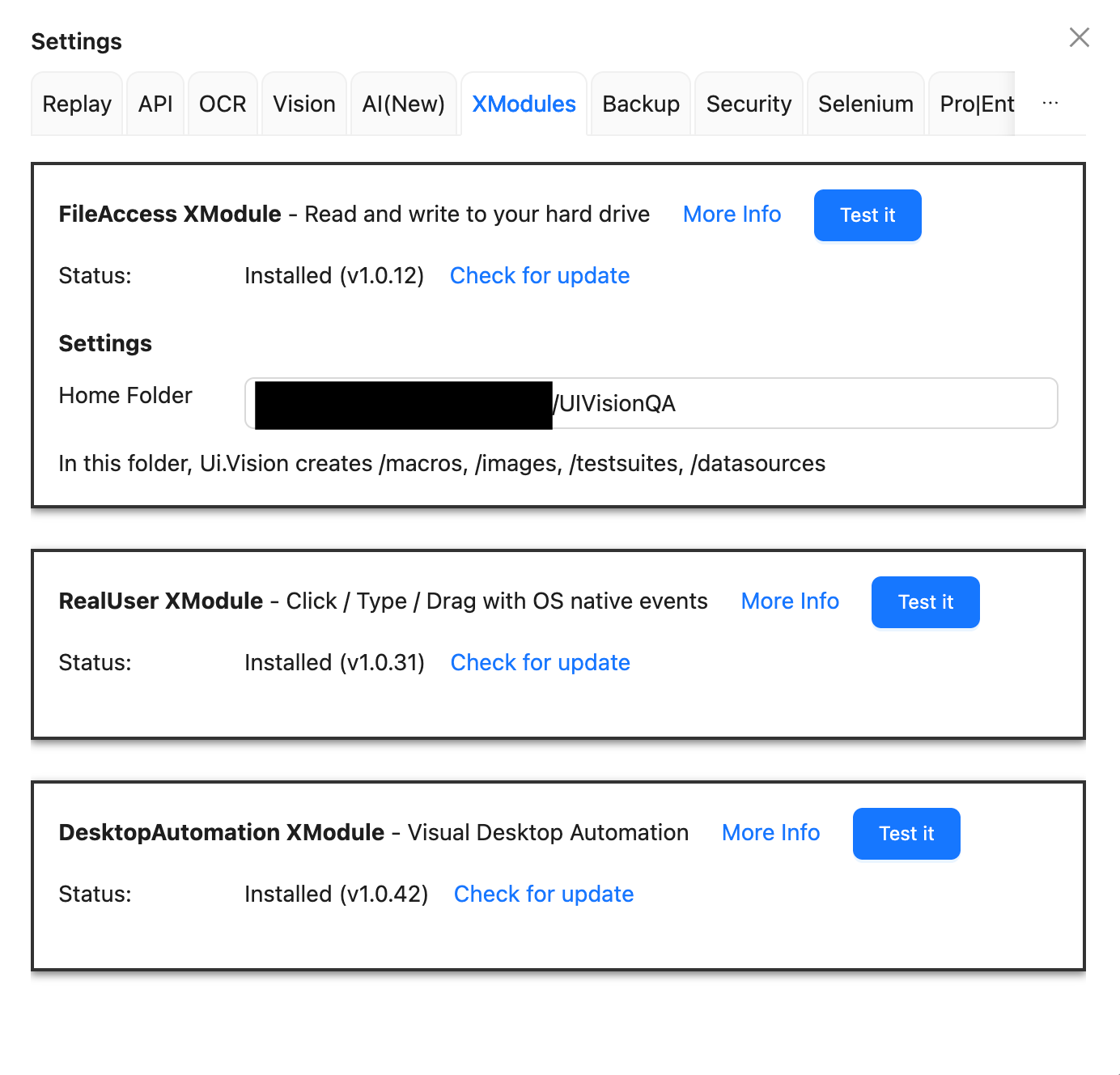
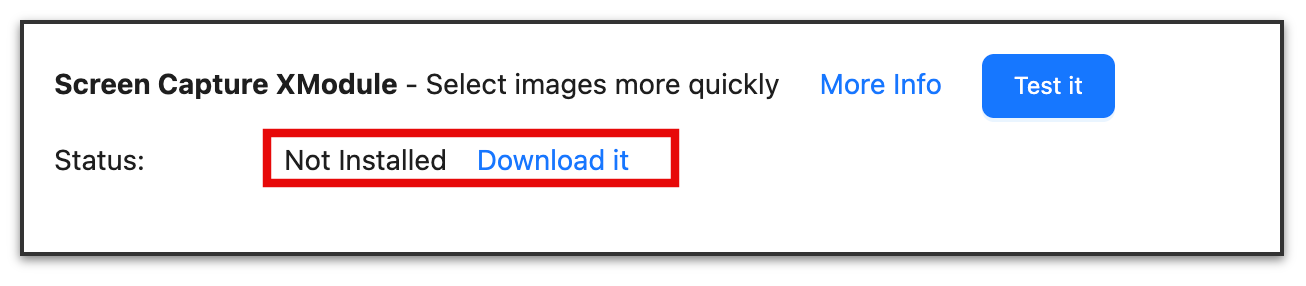
Thank you. Please find the attached screenshots. No matter how many times I am installing I still see the ScreenCapture XModule as Not Installed. @admin let me know if there is any other additional details needed.
Hello, thanks for reporting this issue. We confirmed this installation issue for Sonoma, Sequoia and Tahoe, and added this bug to our todo list.
Workaround: Luckily almost everything works fine without this specific xmodule. As the name suggests, it is responsible for helping the user taking desktop screenshots for the use with XClick, XMove etc commands. So if you plan to use Ui.Vision for web automation, you can safely ignore the issue, as this xmodule is not needed for web automation at all.
If you plan to do desktop automation: The (only) challenge is to create the input screenshot, everything else works just fine. Now, to create the input image(s), please use this approach:
Create a XClick command
As input image enter the name of any existing image file in the “Visual” tab. We need this only to open the image viewer, which we then use to create the real input image. In the video below it is the “canvas_wyoming…” image.
Because the selected image is not on your desktop add@0.10as confidence value. With such a low value, anything is “found”
Click “Find” → This opens the image viewer!
Now.. click “Show original size”
Click “Select image” → this allows you to select the image you want to use.
Give it a name (e. g. “cu1_dpi_192” in the video below) and press “Confirm”
The new (your) image is now available in the Visual tab and you can use it.
The workaround worked for me but only when I click “Find“ on the selected target image from the visual tab. It doesn’t work when I run the macro as a whole; it will just open the browser instead of the desktop and try to find the target image (which obviously will fail). Is there another workaround for it? Thank you and please let me know when it gets resolved