Requests to apipro3.ocr.space/parse/image are taking around 67 seconds before returning HTTP 200 with “E101: Timed out waiting for results.”
I realize that the endpoint has been deprecated and is just a redirect to apipro2, but older released versions of my app still rely on this endpoint. Could you please investigate and restore service for those clients?
Thanks!
Roughly since when do you see this issue?
Our automated test was still passing October 2 and first failed October 3 (Japan time). So somewhere around there.
It looks like even pointing directly at the European endpoint though and specifying engine 1, I think I’m getting engine 2 results now? Has engine 1 been disabled entirely?
For my use case (Japanese text recognition with custom UI based on character positions), only engine 1 is still viable. Engine 2 doesn’t support Japanese, and Engine 3 (although more accurate) doesn’t give me the character bounding boxes I need. So I still rely on engine 1. This was working until October 2.
Oh, this sounds like a more complicated issue then. Can you post 1 - 2 Japanese test images here, so that we can re-create the issue? If you can not post them in a public forum, please email them to team AT ocr.space and just mention this forum post.
Yeah, it seems like there may be two issues.
- apipro3.ocr.space now times out
- apipro2.ocr.space now doesn’t seem to accept OCREngine=1 and always returns results with OCREngine 2.
#1 definitely started around October 2, I’m not sure when #2 started, I just tested it recently.
I dug into it more, and found that you all added support for Japanese in Engine 2 in January of 2025, but you have to specify “auto” for the language. I tried that, and it did work, but it also doesn’t give me the character bounding boxes I need, so I still really need engine 1. But specifying OCREngine=1 seems to still give me the same exact results as OCREngine=2 when I pass that to apipro2.ocr.space/parse/image.
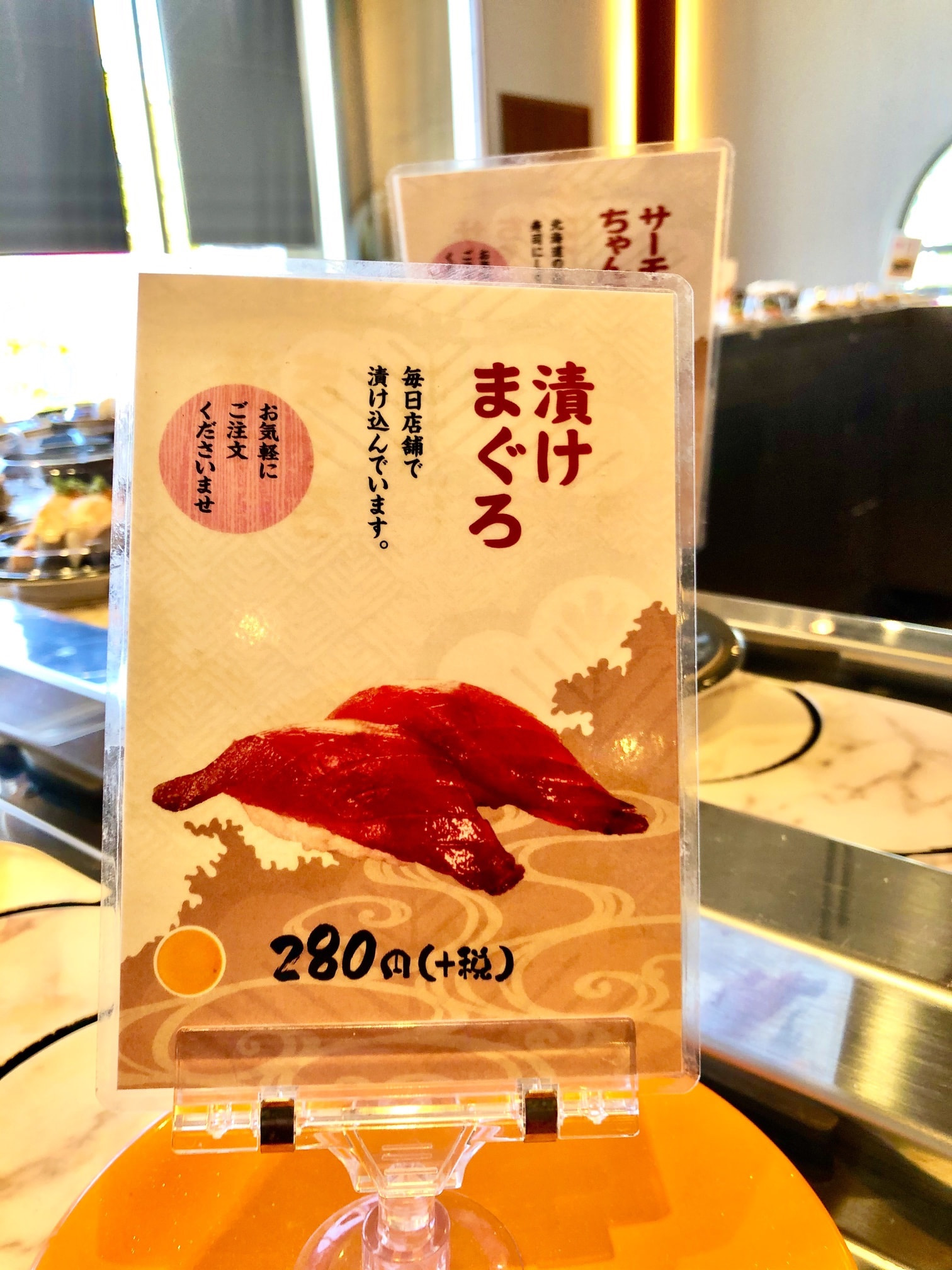
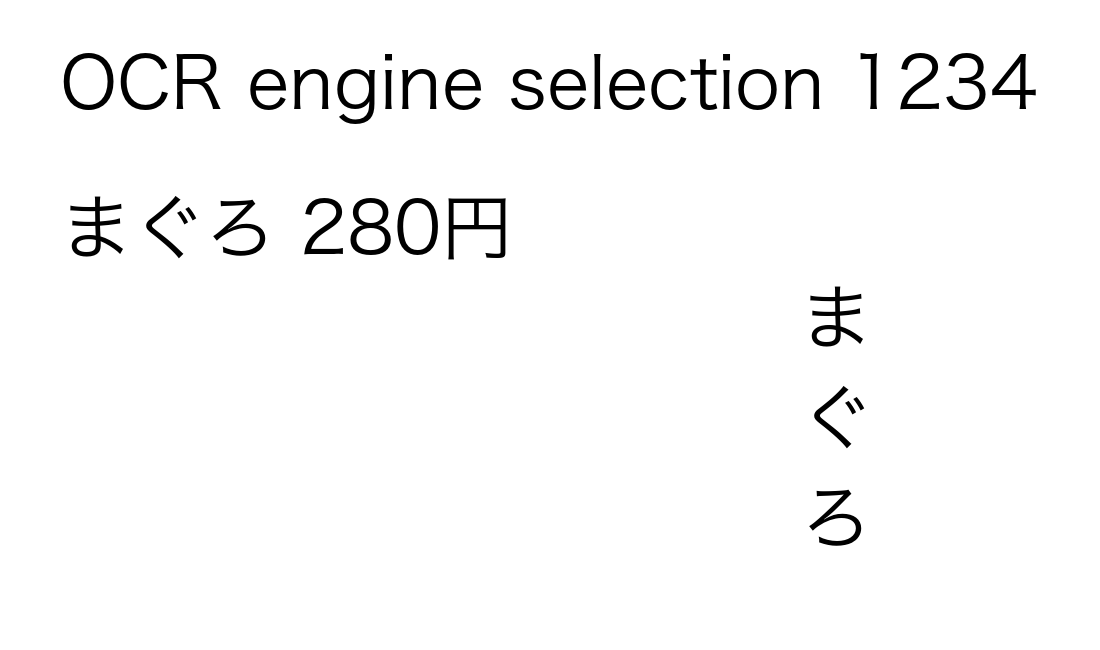
Here are a couple test images I’ve used:
Thanks for the detailed report and the two test images. Today’s engine2 update fixes the bounding box issue that you reported.
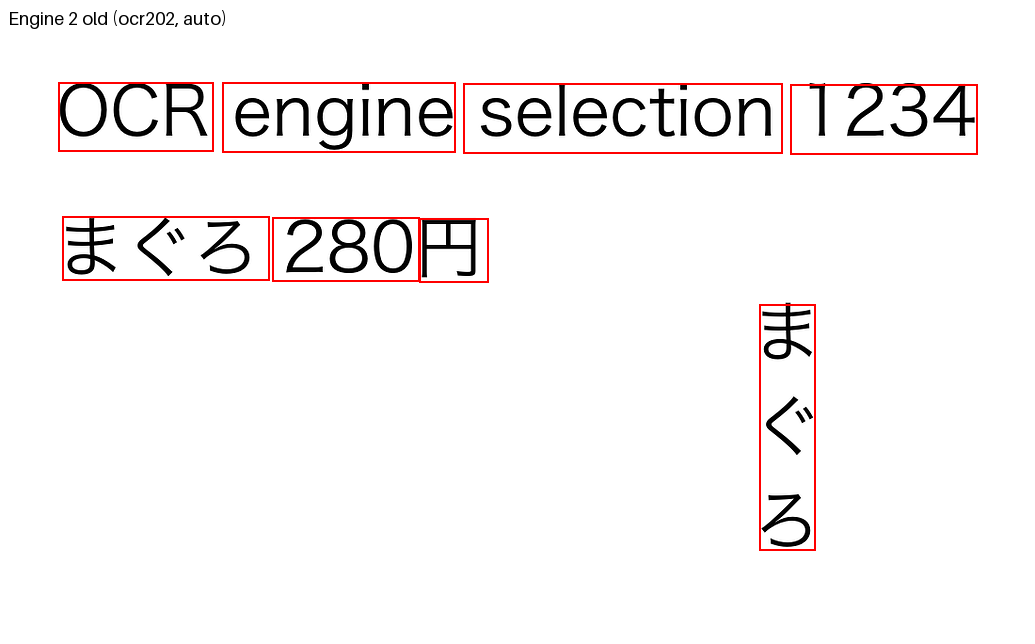
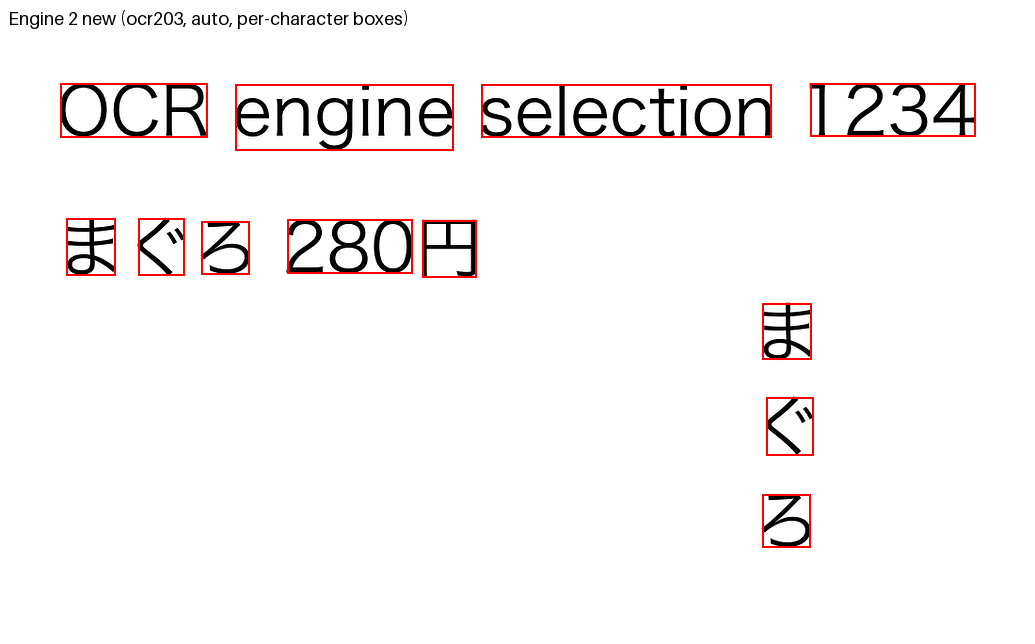
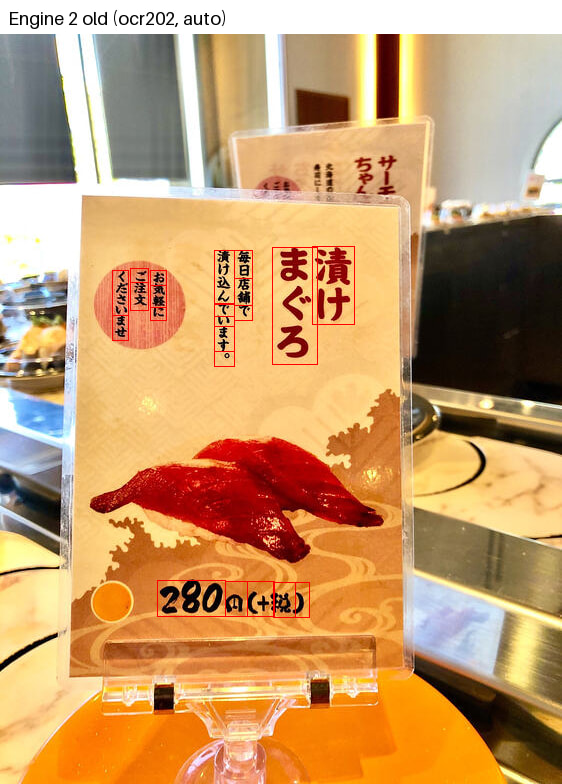
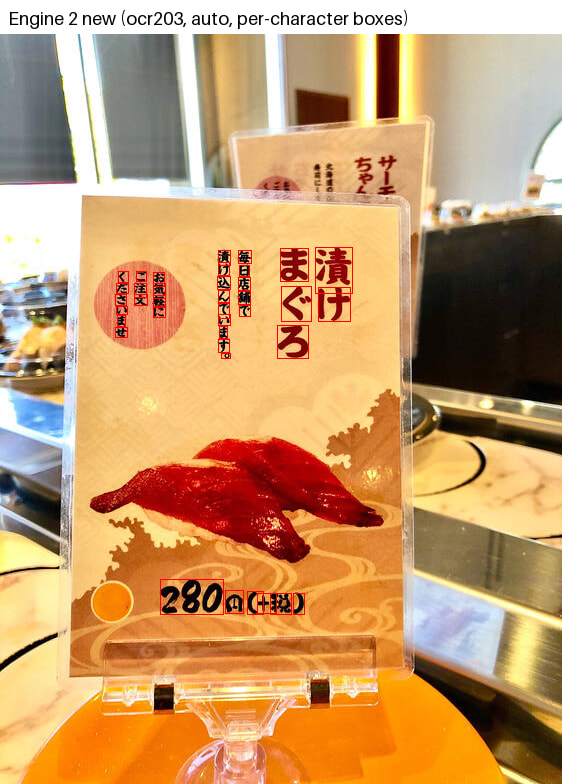
Engine 2 now returns one bounding box per Japanese character. Until now engine 2 grouped Japanese (and Chinese and Korean) text into “logical words” such as まぐろ or 毎日 and reported the line height as the box height. Engine 2 now reports every CJK character as its own word, and every box is fitted to the glyph ink, the way engine 1 does it. Digits and Latin words stay together as words (280 + 円, OCR + engine). The text output (ParsedText, LineText) is unchanged.
Please use language=auto for Japanese. With language=jpn, engine 2 uses a recognizer that only reads horizontal text, which is why your vertical menu card came back nearly empty. With auto, engine 2 reads vertical columns, mixed scripts and mixed languages, and in our comparison across 40 language samples it was as accurate as a specified language, so there is no quality reason to set the language for engine 2.
Rollout. The new boxes are live on the free endpoint now and will reach the PRO endpoints next week. Engine 2 keeps the same JSON structure, so no client change is needed; only the granularity of Words for CJK text changes.
If you have a sample where the new boxes still do not fit, please post it here and we will look at it.
Before update:
 After today’s update:
And for the Japanese menu:
Before update:
After today’s update:
Great, thank you so much! I’ll try this out. Will Engine3 also be getting the new character bounding boxes? It does seem to be more accurate in terms of character recognition from my testing!
Also, it looks like the apipro3 redirect still isn’t working. With the same request that used to be timing out after 60 seconds, I’m now getting a message that my API key is invalid, when the same API key is working directly against apipro2.
Again, I have users on old clients that are still pointing at apipro3, so it would be great to get that redirect working. Thank you so much!!
Following up with production evidence: I found 13 error reports from 5 production users between October 14 and 26 showing apipro3.ocr.space/parse/image returning HTTP 403. These are confirmed examples, rather than a complete count of affected users.
In today’s direct tests, apipro3 still returns “The API key is invalid,” while the same key works against apipro2.
An October 26 production trace shows apipro3 returning 403, followed by the European fallback returning 200. Parsing then fails because the expected message field is missing, so the fallback also leaves Photo Lookup broken for that older client.
I’ve now published a version that uses the new API, but users on older versions still depend on this endpoint. Could you please restore apipro3 for those clients, accepting existing API keys and preserving compatibility with the response fields they expect, including TextOverlay.Message?
Could you let me know whether this is being investigated and when a fix might be available? Thank you!