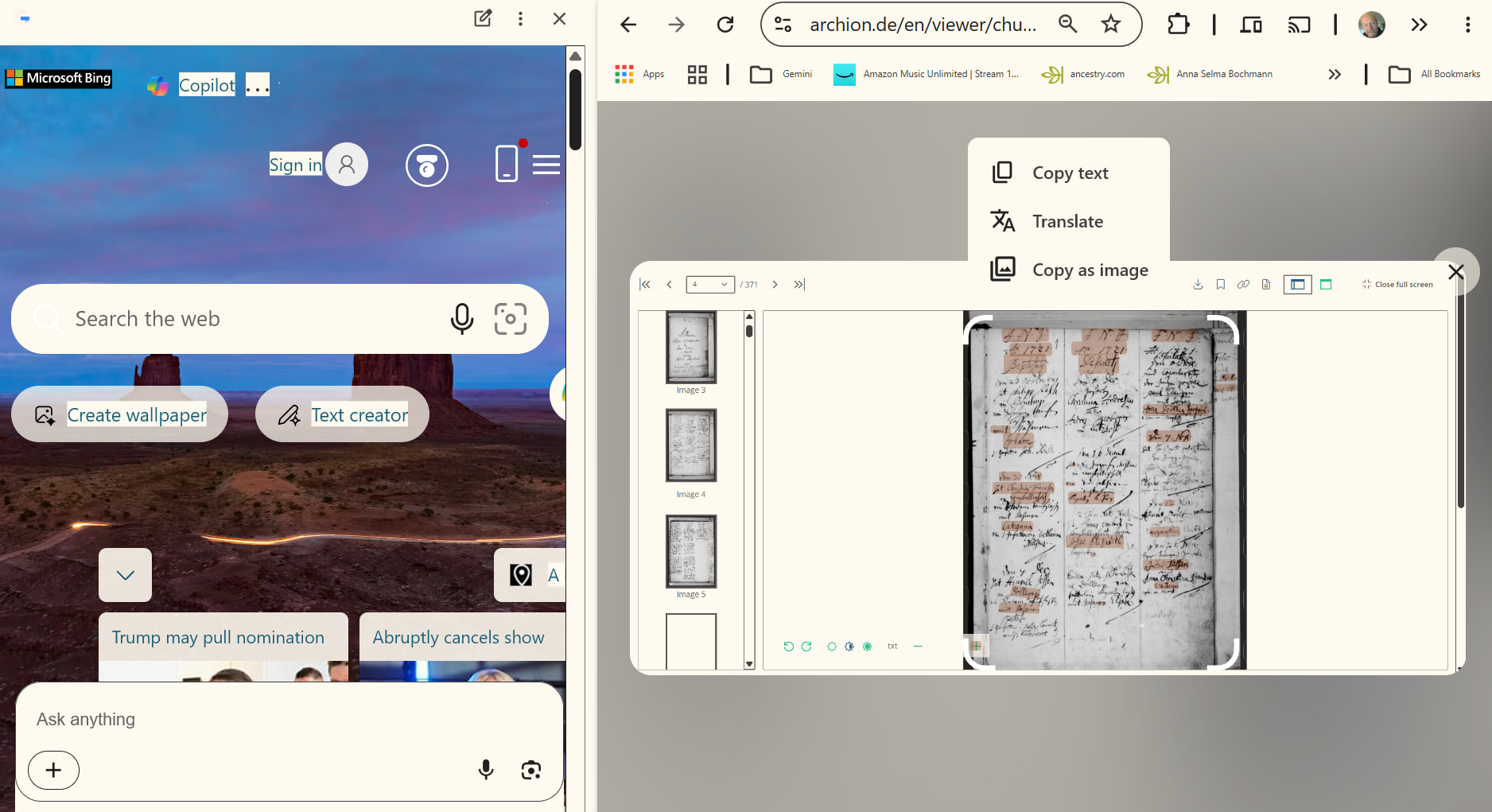
how to right click copy file with chrome on Archion then paste into Gemini Antigravity for processing(translation) then
organizing content
how to right click copy file with chrome on Archion then paste into Gemini Antigravity for processing(translation) then
organizing content
Can you post a screenshot of where to right-click?
This worked for me (V10.0.31, ai generated), it is a simple test macro to show that triggering the right-click works. You need XClick for it (called uiv.desktop.click now).
uiv.open('https://www.archion.de/de/viewer/churchRegister/295769?cHash=a36ce8116e34a52bef099918ae762393');

// Wait for the document viewer to render
uiv.$('css=div.dvview', {required: false, timeout: 10});

// The scanned document/PDF is rendered as an image (no native PDF DOM).
// Locate it on the SCREEN (desktop scope) via visual matching, then right-click it with
// real OS-level input (XModule) - this reaches the native browser context menu even if
// the page's JS tries to intercept/blocked a synthetic (browser-tier) right-click.
var match = uiv.findImage('pdf_document_page_dpi_120.png', {scope: 'desktop'});

uiv.log('Document found on screen at (' + match.x + ', ' + match.y + ')', 'blue');

uiv.desktop.click(match, {button: 'right'});

uiv.log('Right-clicked the middle of the PDF viewer (OS-level click) at (' + match.x + ', ' + match.y + ')', 'green');